A complete newspaper publishing workflow inside WordPress
Manage editions, convert uploaded PDFs, create visual hotspots, publish a reader and let visitors clip and share content from the frontend.
PDF Edition Upload
Upload a dated PDF edition and process its pages into reader-ready image assets.
JPEG & WebP Output
The upload workflow supports optimized JPEG and WebP reader assets for web delivery.
Edition Management
Manage published editions with dates, conversion status, hotspots, viewing, rebuild and delete actions.
Visual Image Hotspots
Draw, move and resize image clips over a newspaper page using the visual hotspot editor.
E-Paper Sharing
Share the current page or entire edition using the built-in e-paper sharing interface.
Frontend Page Clip
Let visitors select a section of a newspaper page and open the clipped content in a dedicated view.
Reader-Friendly Layout
The frontend reader includes thumbnails, page controls, zoom, fit, clip, PDF download, archive and fullscreen controls.
Configurable Settings
Customize branding, reader layout, PDF/JPEG/WebP behavior, clip settings and other plugin options.
Reader Analytics
The plugin dashboard provides an overview of editions, converted pages, active hotspots and recent events.
Designed around the publisher's daily workflow
Use the actual plugin screens below to show buyers how the WordPress backend works from upload through publication.
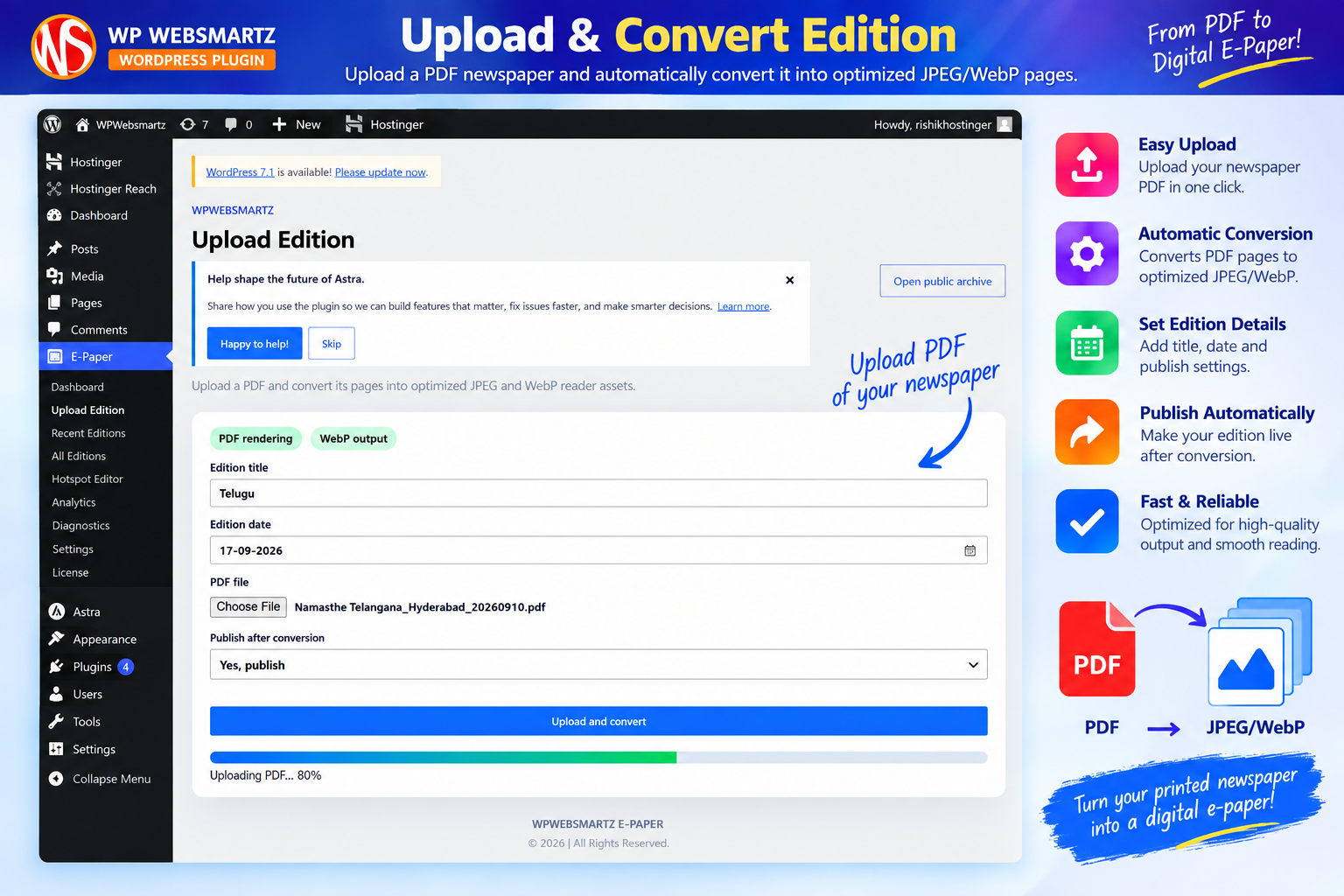
Upload Edition
Set the edition title and date, select the PDF and choose whether to publish after conversion.
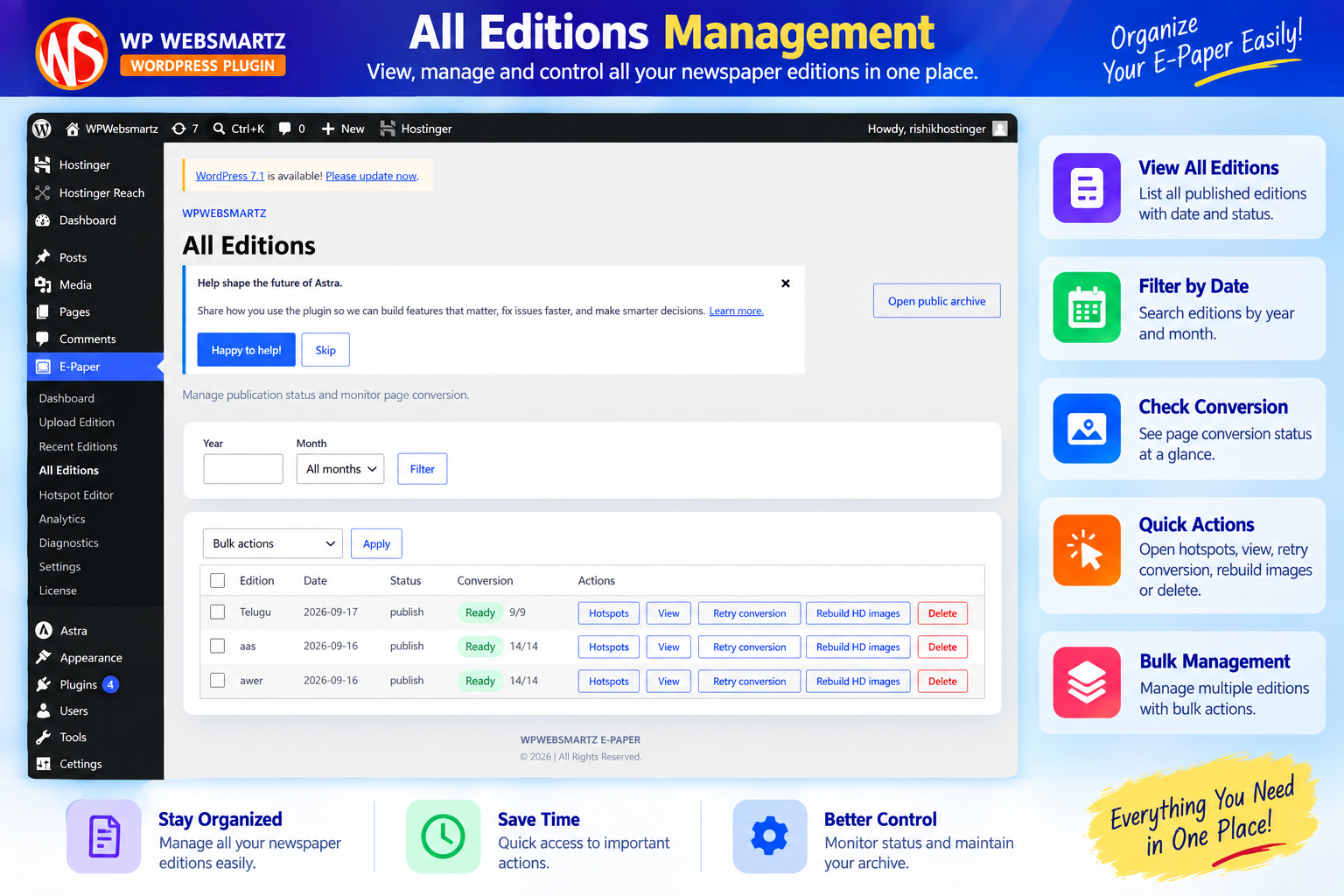
All Editions
Filter editions and monitor publication and page-conversion status with quick management actions.
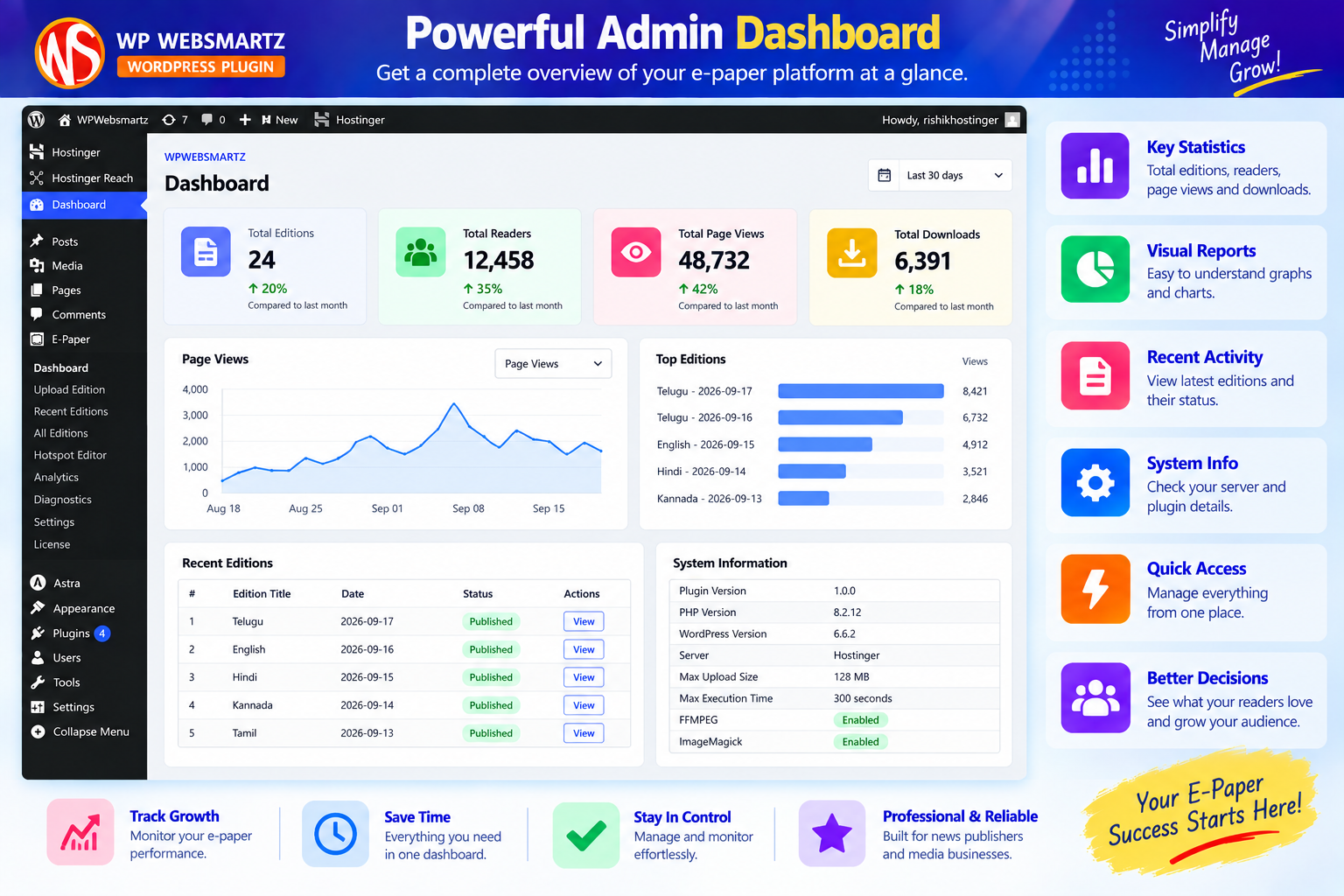
Publisher Dashboard
See published editions, converted pages, active hotspots and recent event totals at a glance.
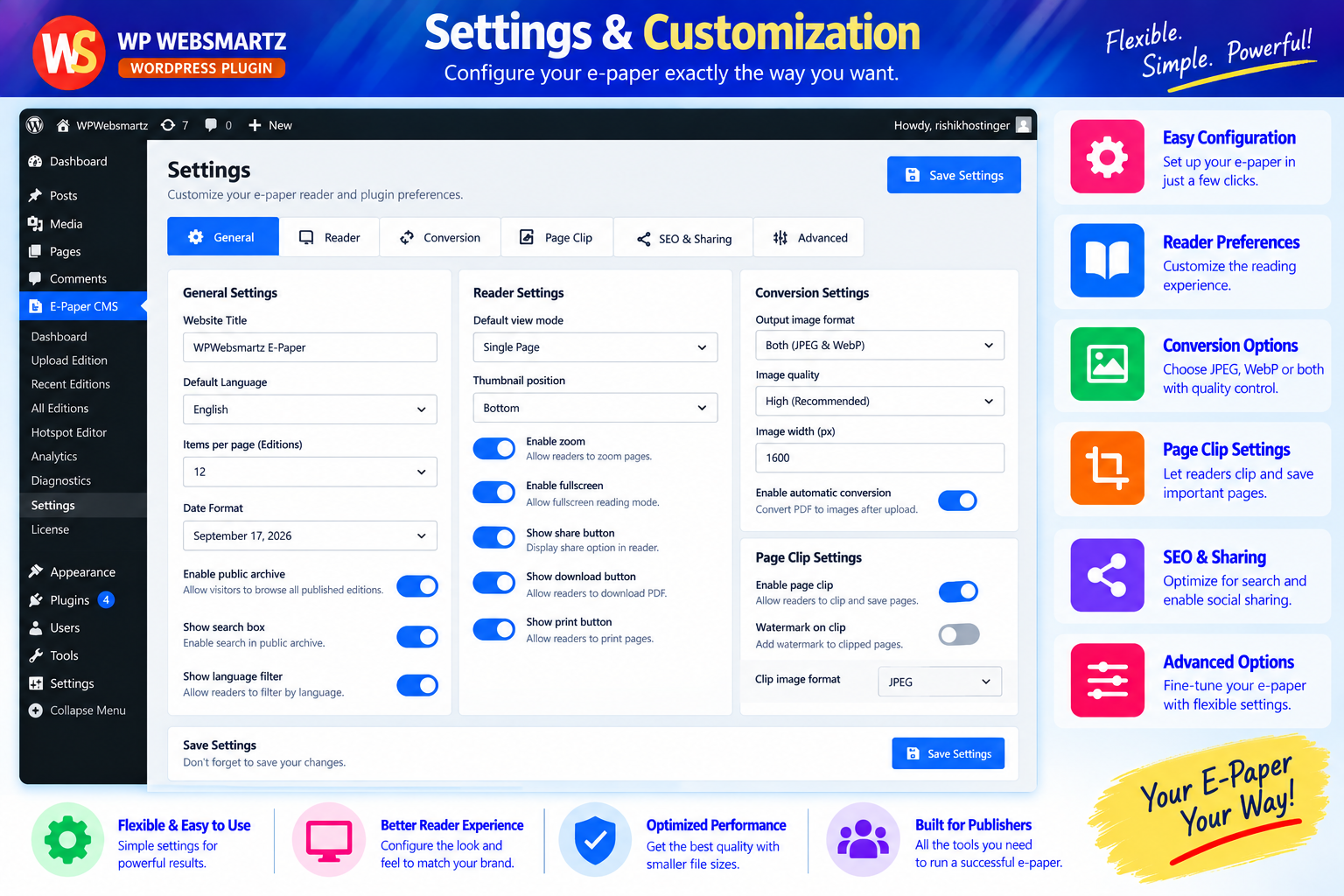
Settings & Branding
Configure branding, reader layout, image behavior, clipping controls and other reader settings.
Give readers a professional e-paper experience
These product visuals highlight the reader, sharing, archive, hotspot and clipping workflows.
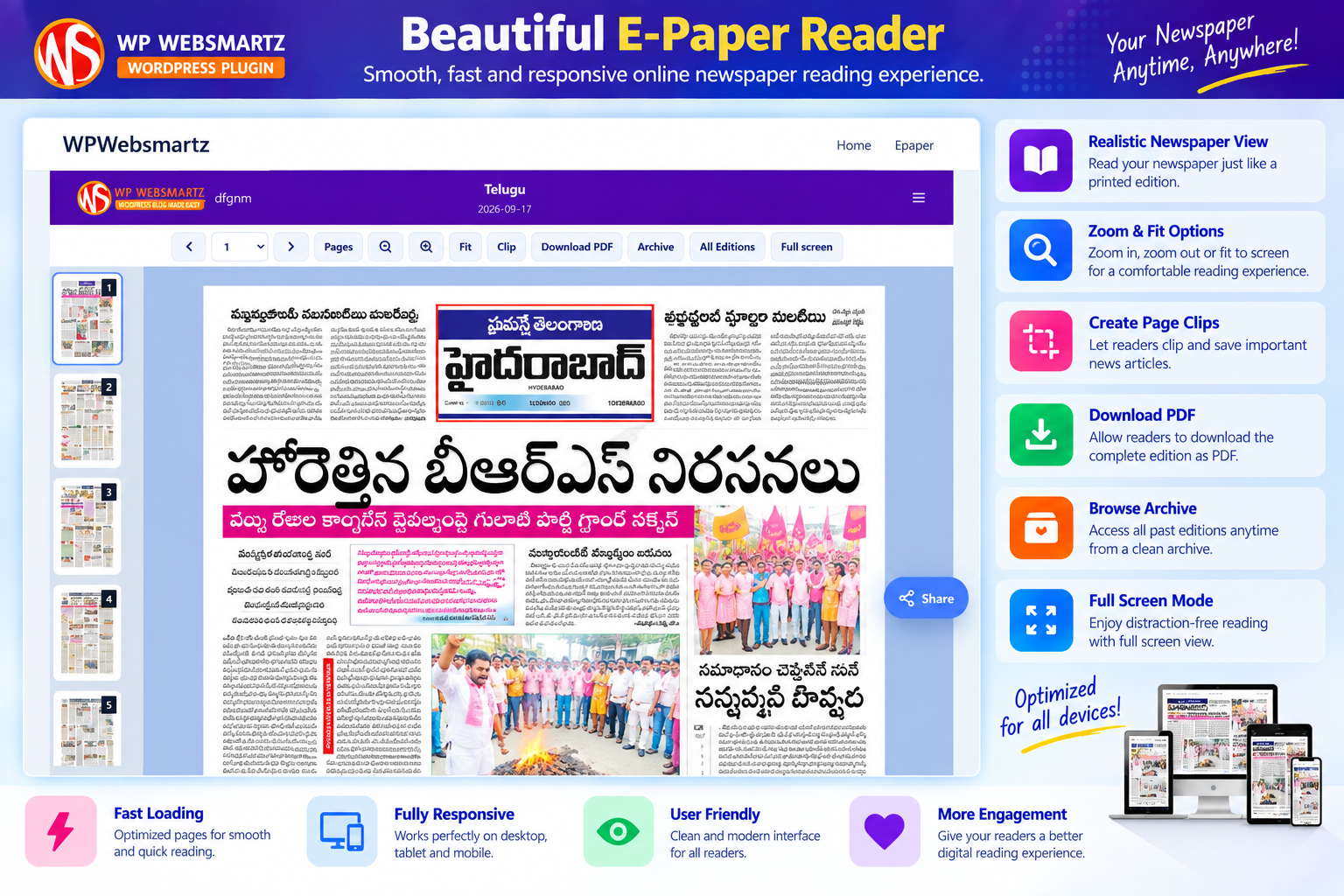
E-Paper Reader
Navigate pages, zoom, fit the newspaper, clip content, download PDF, browse the archive, view all editions and use fullscreen mode.
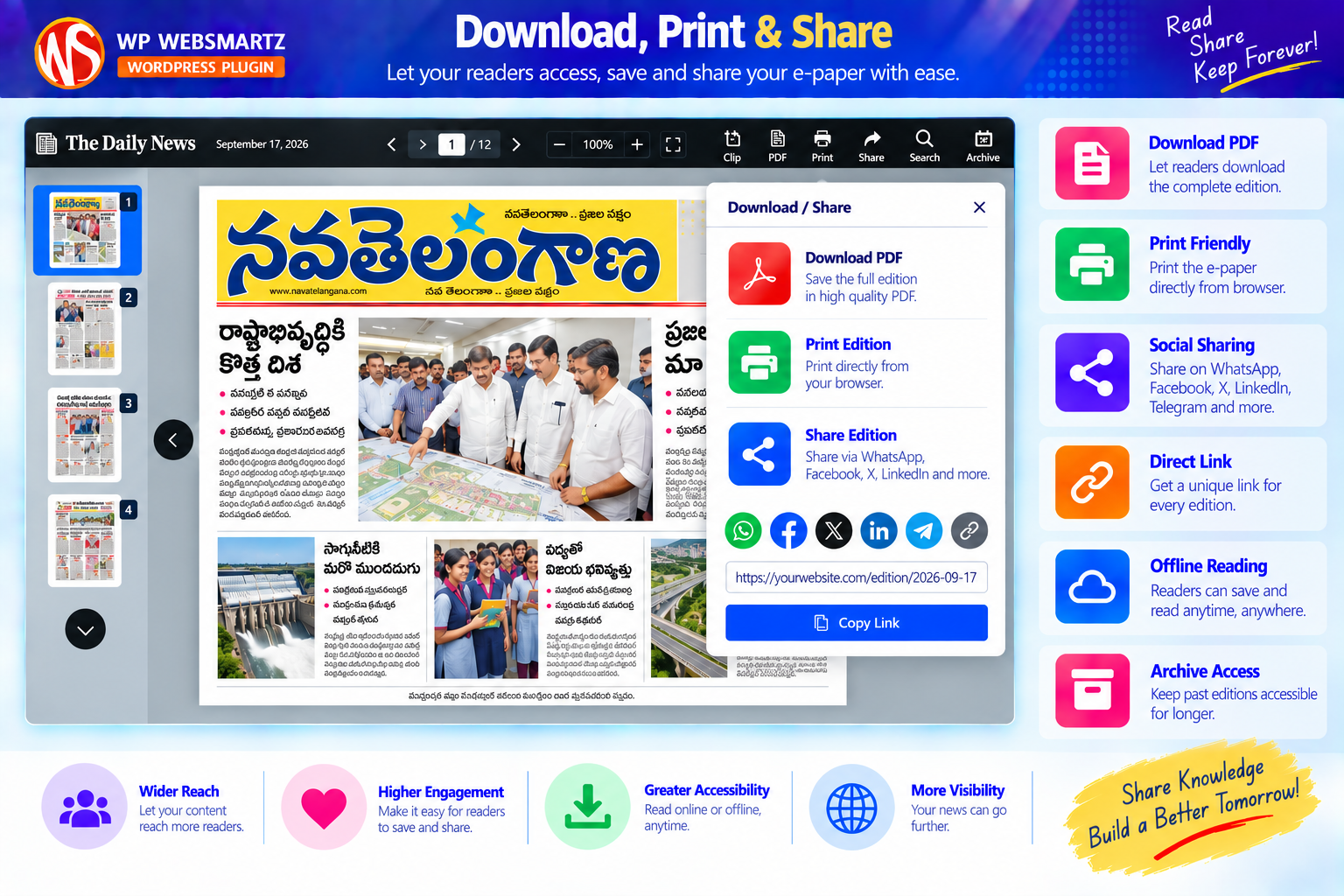
Share E-Paper
Share the current page or the entire edition from the reader's share dialog.
Quick Page Selection
Open the page selector and jump directly to any page in the edition.
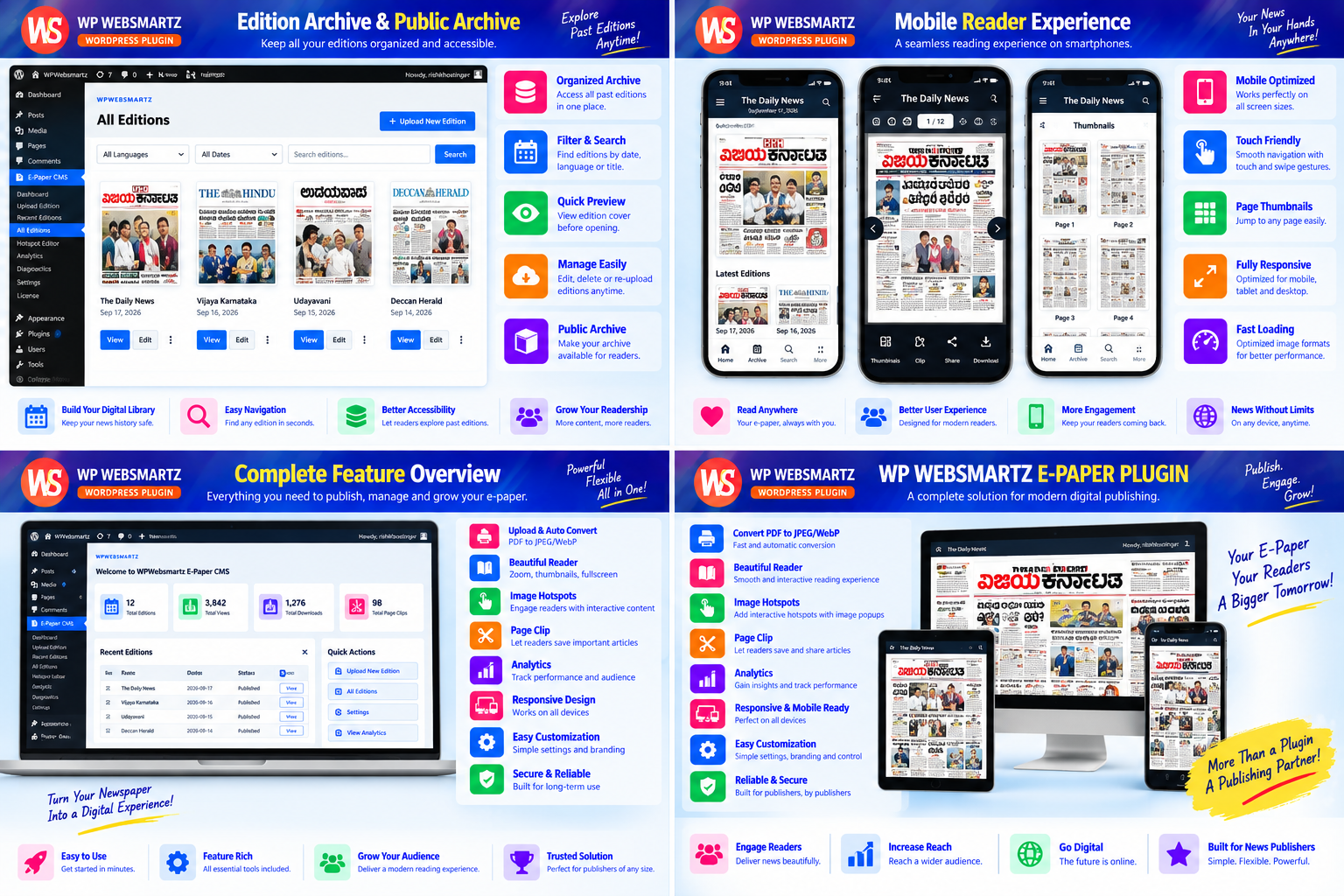
Public Edition Archive
Present published editions in a clean frontend archive organized by publication date.
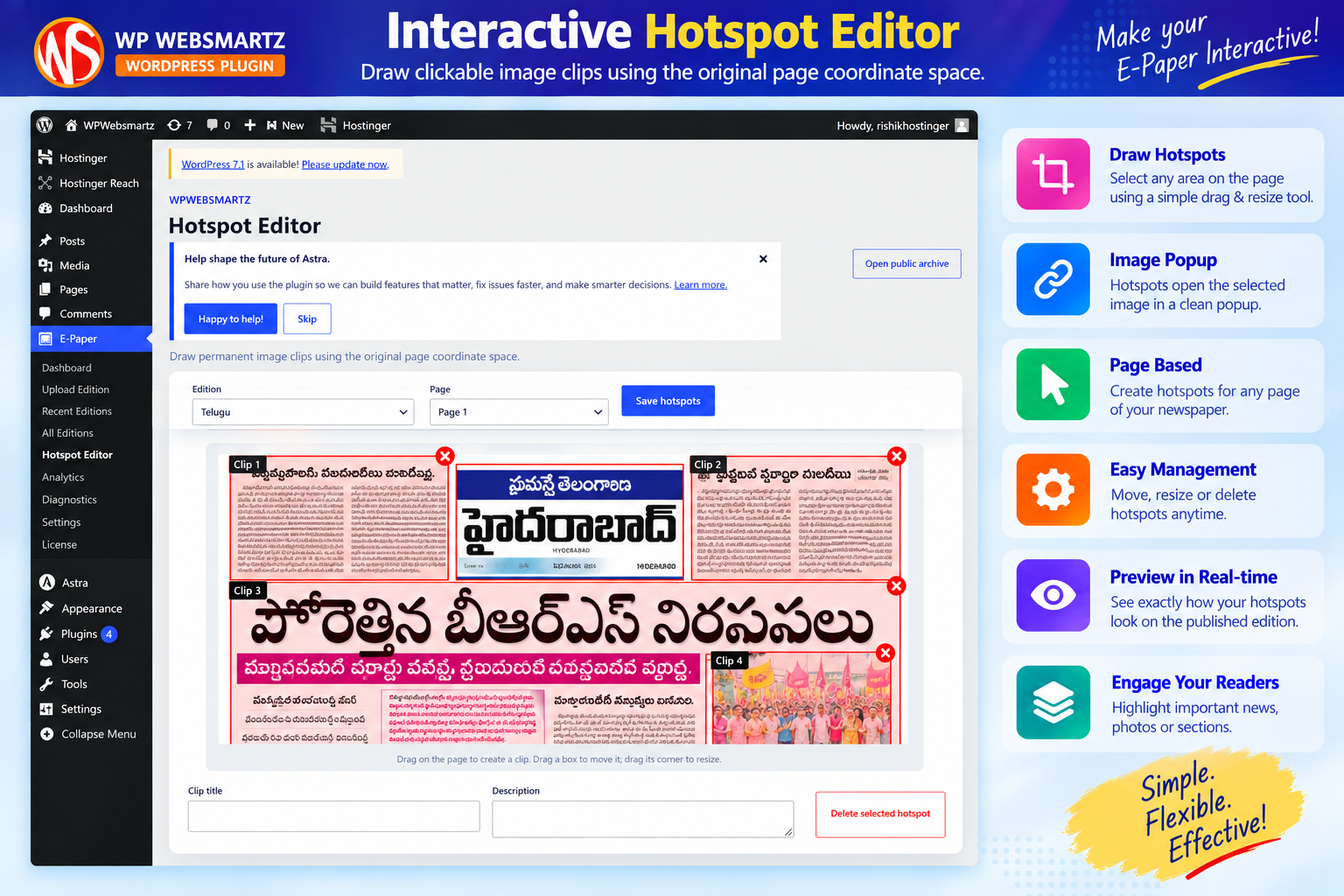
Visual Hotspot Editor
Draw image clips on the original page coordinate space, then move and resize them visually before saving.
Frontend Clip Creation
Select an area of the newspaper page and create a focused image clip from the frontend reader.
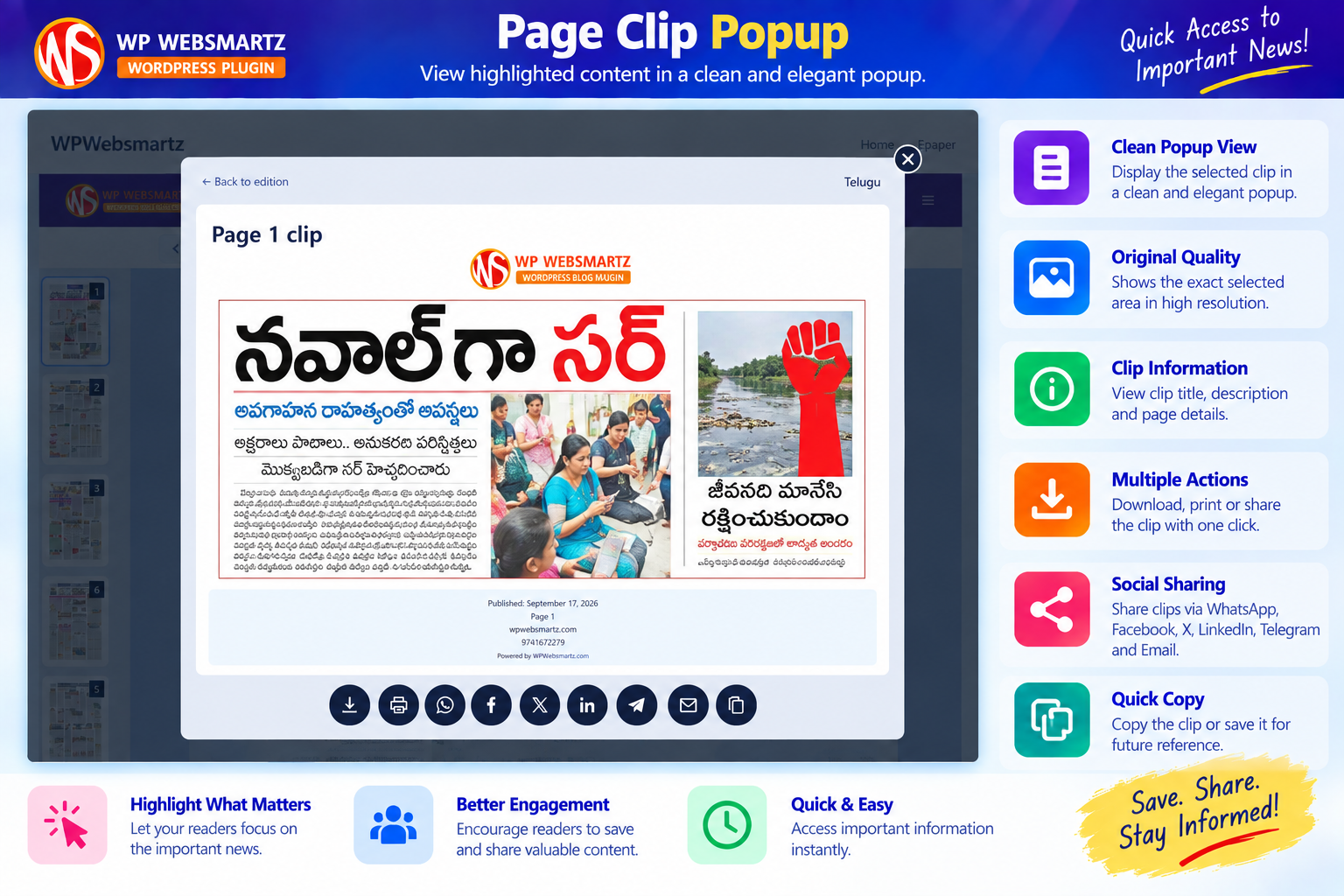
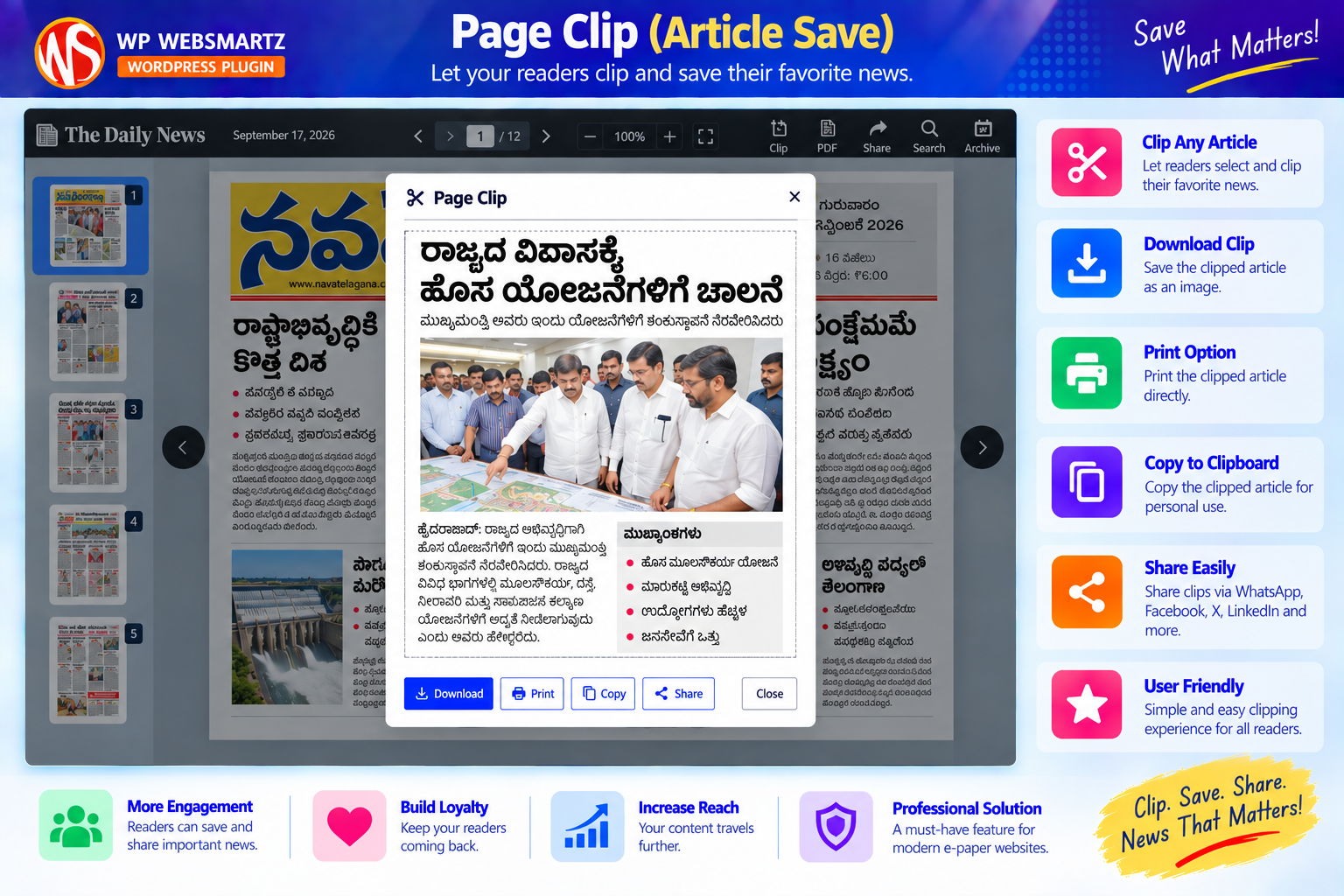
Dedicated Clip View
Open a saved page clip in a focused view with the available download, print, copy and sharing controls.
Focused visuals for the features buyers care about
Show the conversion and clipping workflow clearly, while keeping the product presentation aligned with the current plugin.
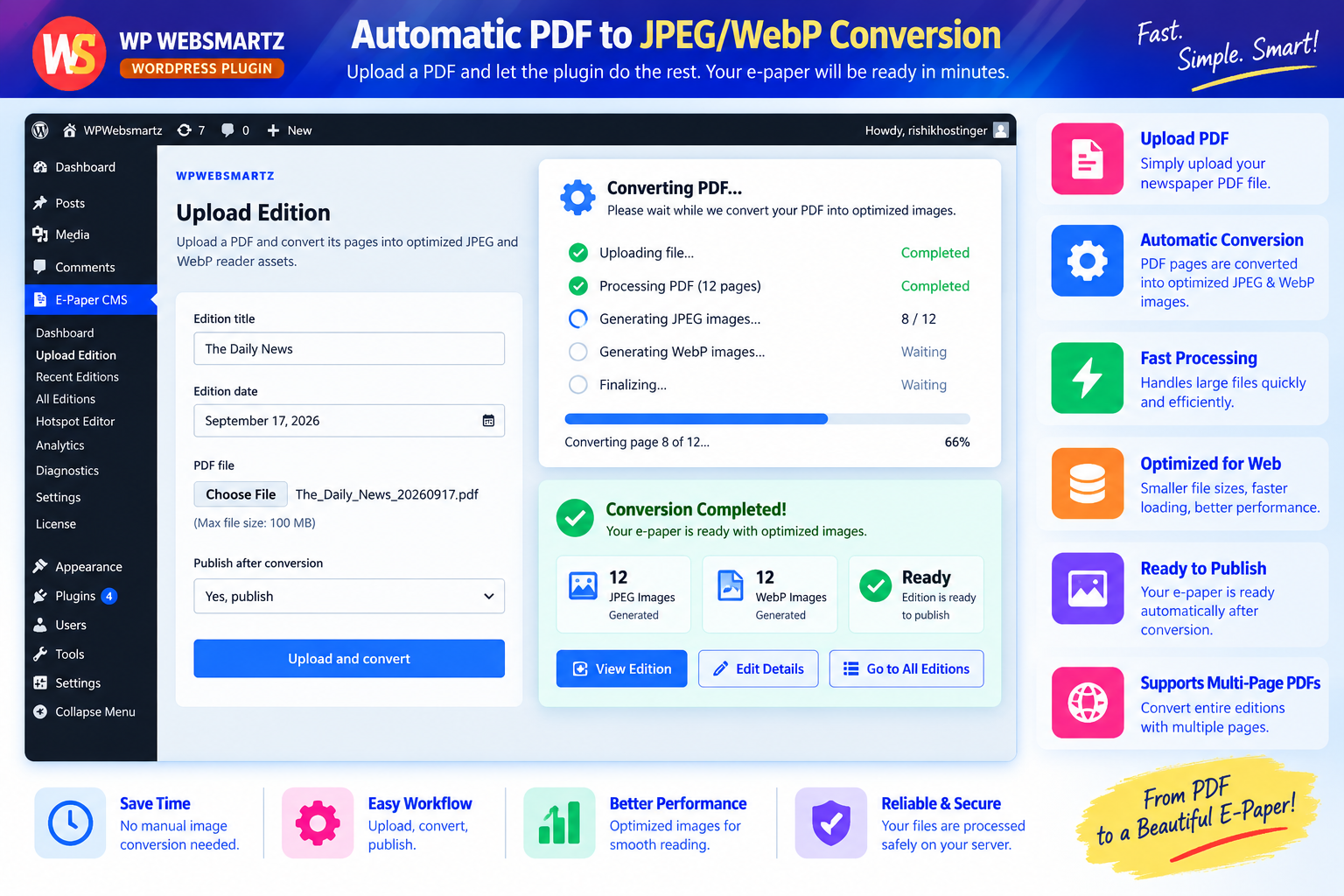
JPEG / WebP Conversion
Show the page-conversion workflow and web-ready image output.
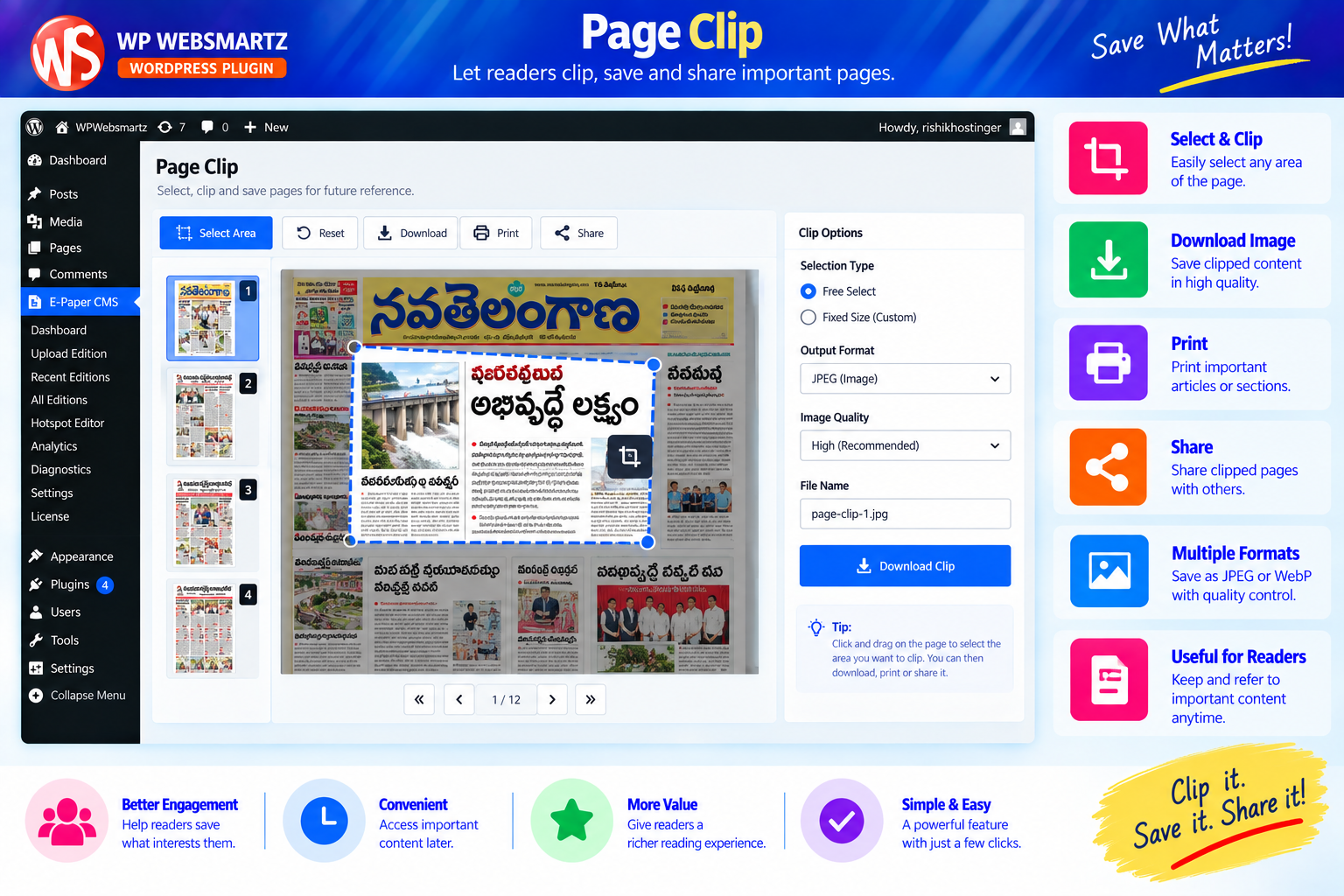
Page Clip
Let readers focus on and save selected newspaper content.
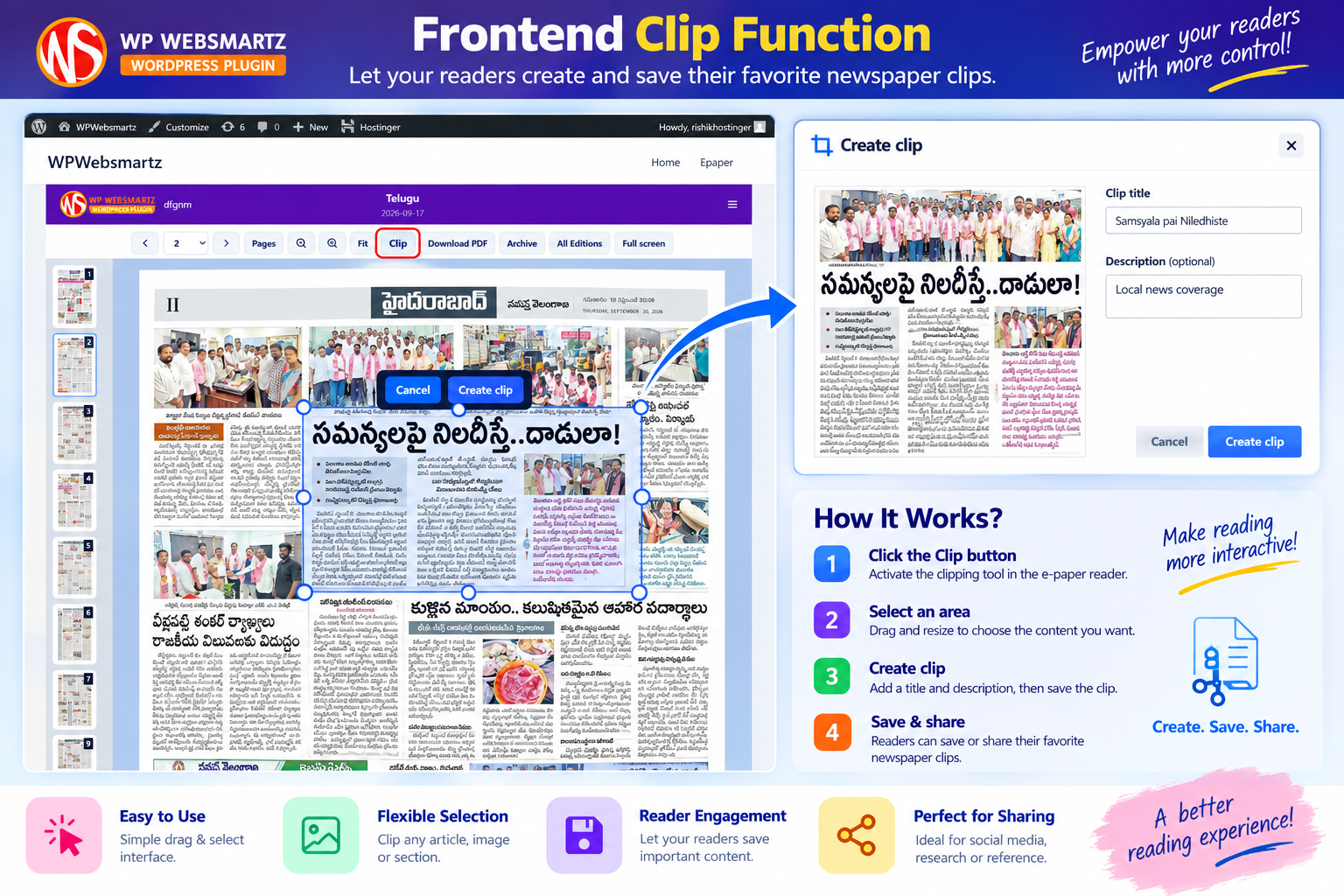
Frontend Clipping Experience
A focused view of the reader-side clipping workflow and its practical use for sharing newspaper content.
Professional presentation across the product
Additional visuals for responsive reading, analytics and the complete feature set.
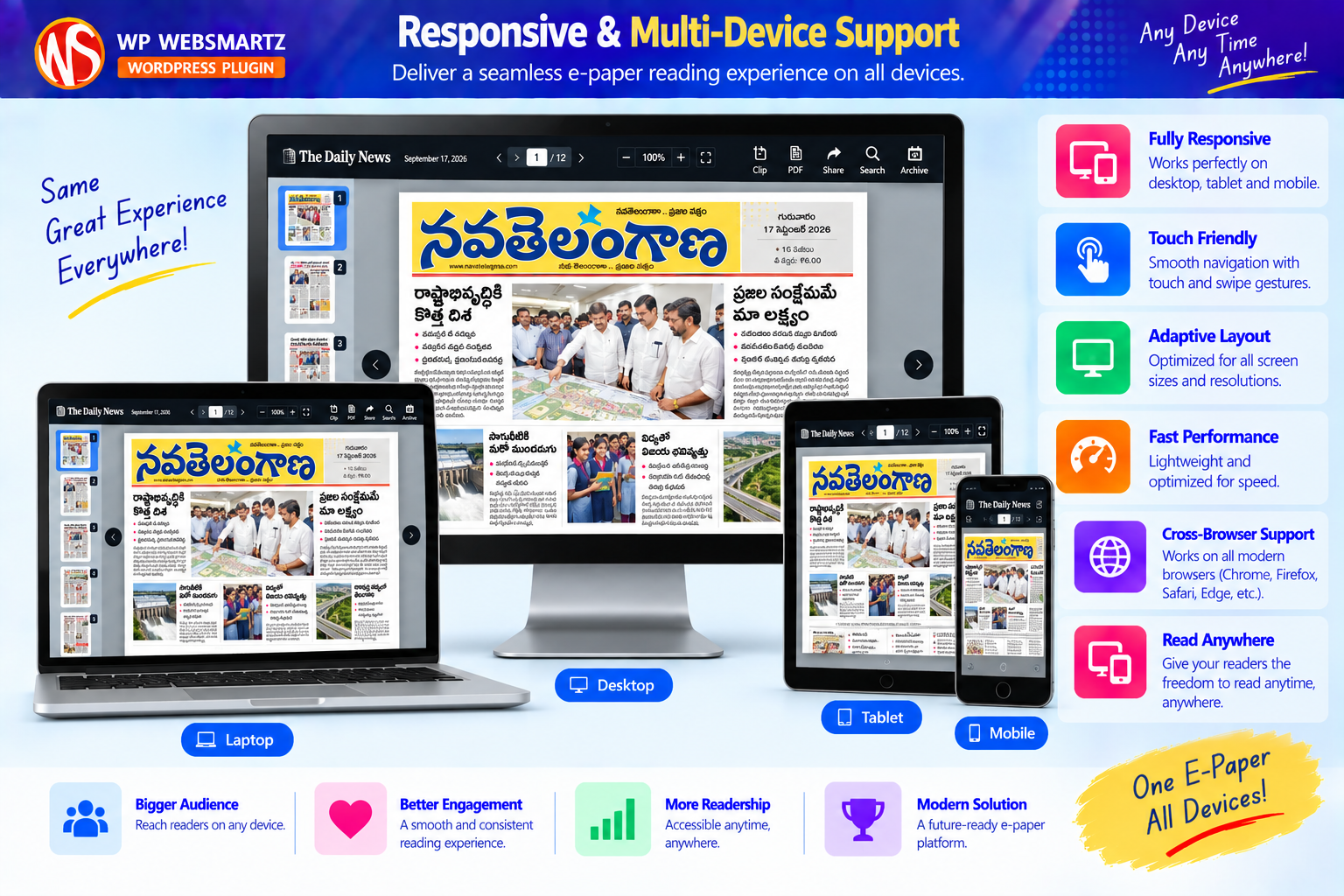
Responsive & Multi-Device
Show the e-paper experience across desktop, tablet and mobile layouts.
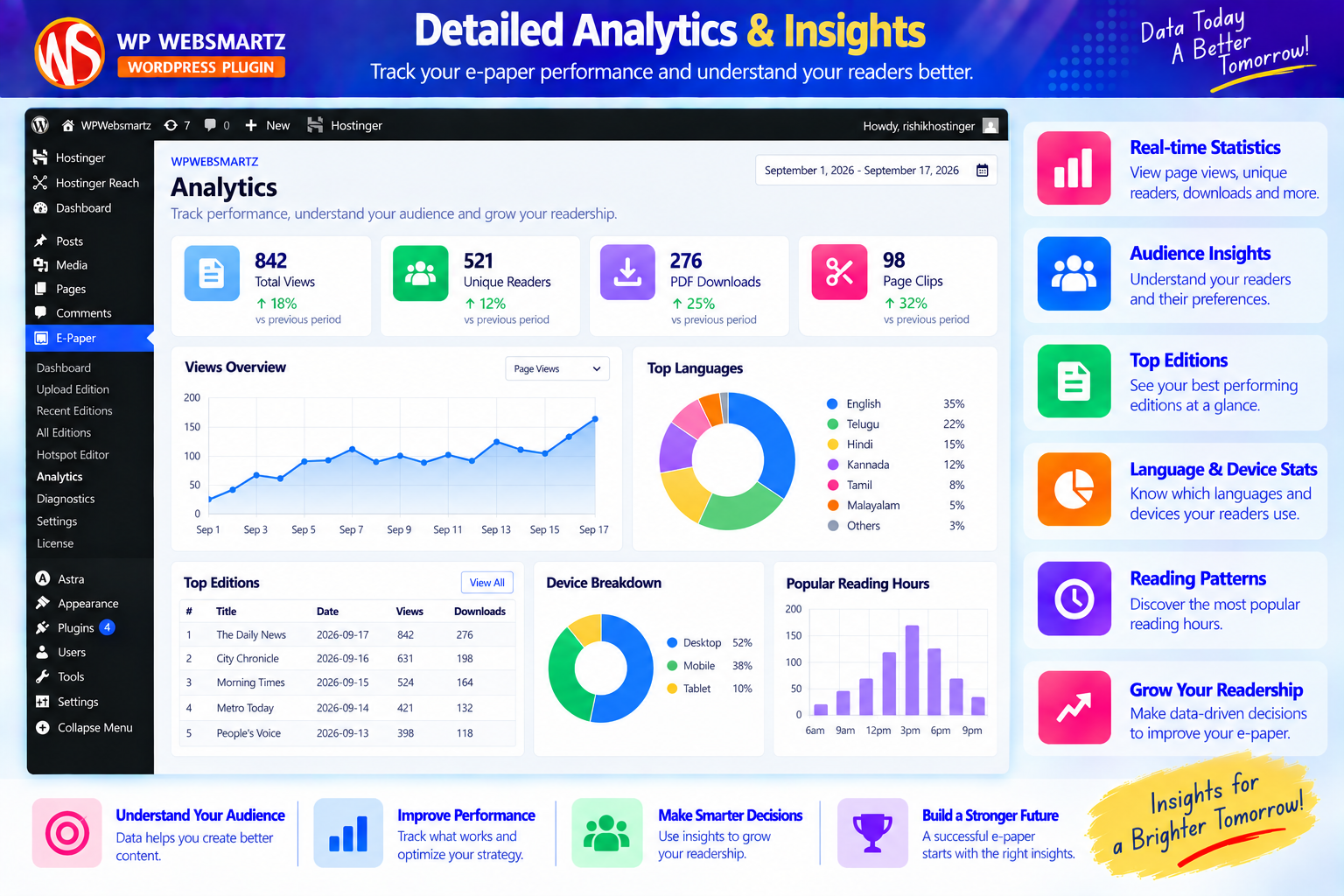
Analytics & Insights
Present reader activity and publication metrics through the analytics experience.
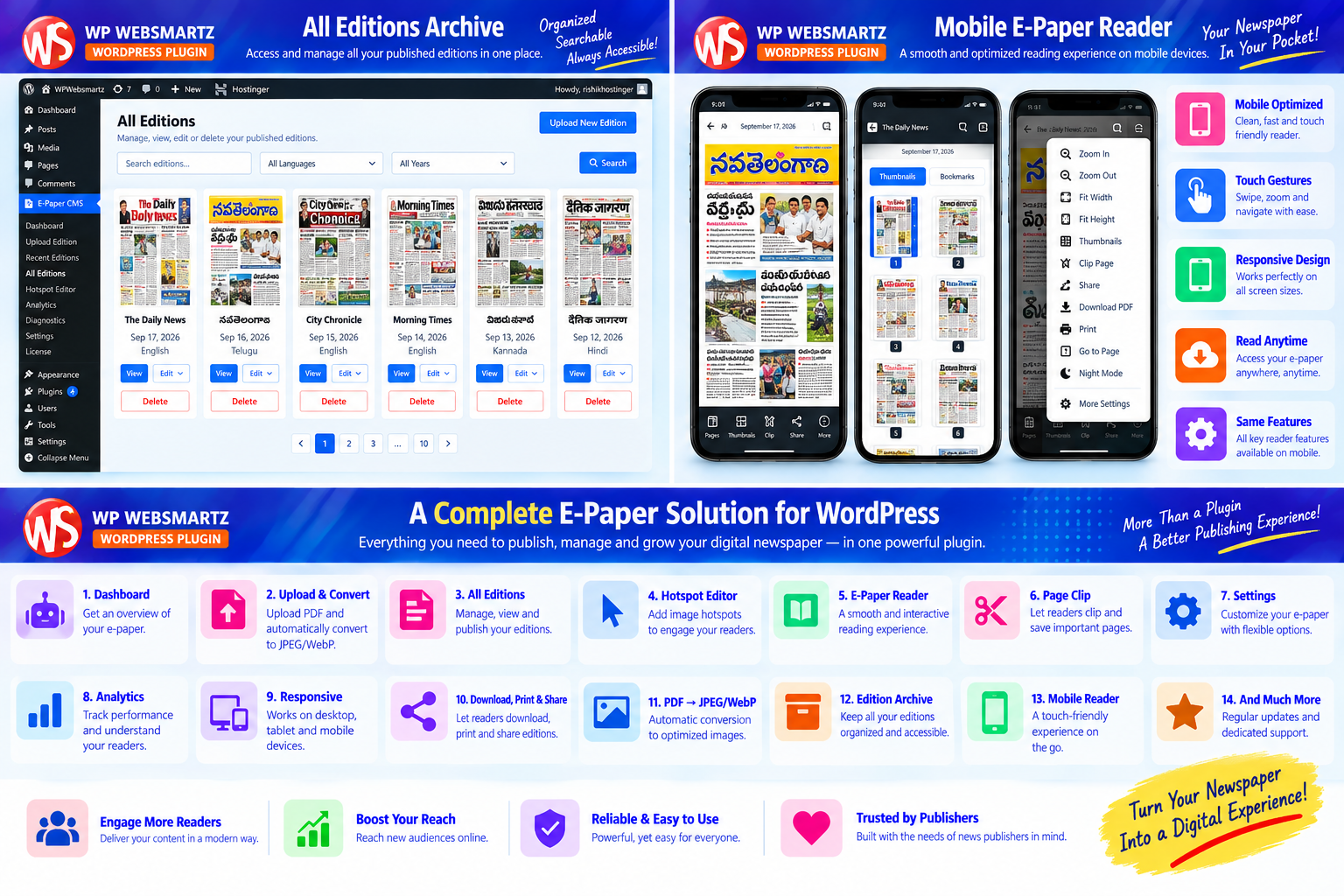
Complete Product Overview
A final visual summary for visitors evaluating the plugin.
From PDF to published e-paper
A simple workflow for publishers already working with newspaper PDF editions.
Upload Edition
Enter the edition title and date, then upload the newspaper PDF.
Convert Pages
Process the PDF into JPEG/WebP reader assets and monitor conversion status.
Add Hotspots
Use the visual editor to create image clips on selected areas of a page.
Publish & Share
Present the edition through the reader, archive and built-in sharing/clip workflows.
Clear licensing for your WordPress website
The sticky purchase card remains available while visitors explore the product screenshots, workflow, documentation and FAQs.
Single Site License
Use the plugin on one WordPress installation. Contact us for additional licensing needs.
Support & Updates
The offer includes the stated support and update period shown in the purchase details.
Plugin Delivery
Purchase through the checkout flow and access the plugin from your buyer account.
Frequently Asked Questions
Ready to publish your newspaper online?
Bring your existing PDF editions into a WordPress-based e-paper experience with a dedicated reader, edition archive, image hotspots and clipping tools.